- Home
- Computers and internet
/
Computers and internet
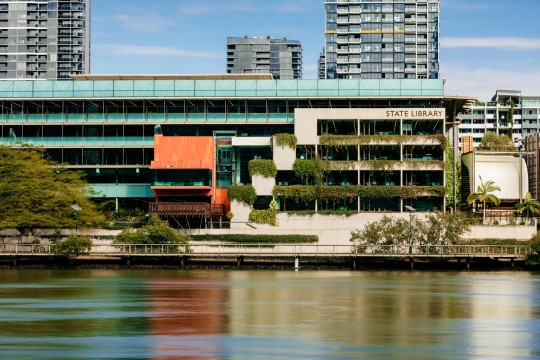
State Library offers free public access computers with internet access and a wi-fi service across the South Bank building.
Public computers and internet
On level 1:
- access up to 3 hours a day
- no booking required
- no membership required
- access to the internet, library catalogue, eresources, Word, Excel and PowerPoint.
On levels 2 & 3:
- access up to 3 hours a day
- no booking required
- membership required
- access to the internet, library catalogue, eresources, Word, Excel and PowerPoint.
State Library offers a range of adaptive technology devices to enable people living with a disability to use the collections and resources.
Digital media computers
- access up to 4 hours a day
- booking required
- membership required
- Access to creative and industry-standard computers with software for design, 3D modelling, web and app development, and image, audio, and video editing, as well as a range of audio and design equipment.
Wi-fi service
Public access free wi-fi is available 24 hours a day, seven days a week.
Connecting to wi-fi:
- no membership required
- select slqwireless from the list of available wi-fi networks on your device
- when prompted, read and accept the Terms of Use to connect
- acceptance of the terms of use is required after 18 hours
- if you’re part of a participating institution, you can also connect via eduroam using your organisation’s login details while visiting
Safe internet use
It is important to be informed about online safety, and to understand how to protect yourself and your identity, report abuse, and actively contribute to a safer online environment.
- Learn more about connecting safely
- More from the eSafety Commissioner
State Library staff are available to provide information about safe use of the internet.
More information
Find out more about the responsible use of technology services at State Library.