- Home
- Computers and tablets
/
Computers and tablets
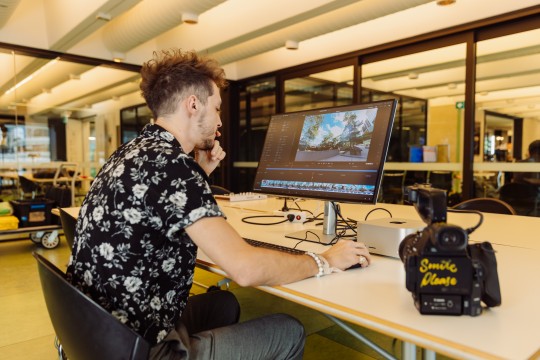
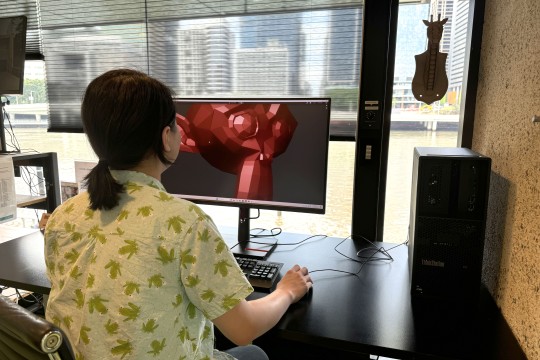
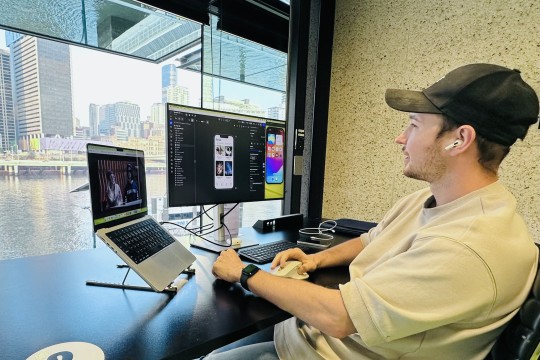
Get creative with access to an amazing range of industry standard computers and tablets, plus a massive list of creative software available for you to use at The Edge as a State Library member.
Access
The Digital Media Lab and computers are available during general opening hours at The Edge, get support with creative software during Open lab, Thursdays from 1:30–8 pm and Saturdays from noon to 5 pm.
You can also join our Hack the evening community meetup every Thursday from 5 pm, where staff are on hand to help you access equipment as capacity and demand permit.
Stay up to date on future programming by subscribing to The Edge enews.
Check out the getting started page for further terms of use and FAQs.


Available software
Explore the software available for use at The Edge.
- Adobe Illustrator (Mac, PC Laptop, Production PC 1&2)
- Adobe Acrobat (Mac, PC Laptop, Production PC 1&2)
- Adobe InDesign (Mac, PC Laptop, Production PC 1&2)
- Adobe Photoshop (Mac, PC Laptop, Production PC 1&2)
- Adobe Lightroom Classic (Mac)
- Inkscape (Mac, PC Laptop, Production PC 1&2)
- Gimp (PC Laptop, Production PC 1&2)
- Fusion 360 (Autodesk) trial or hobbyist licence required (Mac, PC Laptop, Production PC 1&2)
- FreeCAD (Mac, PC Laptop, Production PC 1&2)
- Blender (Mac, PC Laptop, Production PC 1&2)
- Meshmixer (Mac, PC Laptop, Production PC 1&2)
- Prusa Slicer (Mac, PC Laptop, Production PC 1&2)
- Maxon One Suite (Production PC 1&2
- Adobe Animate (Mac, PC Laptop, Production PC 1&2)
- Adobe Premiere Pro (Mac, PC Laptop, Production PC 1&2)
- Adobe After Effects (Mac, PC Laptop, Production PC 1&2)
- Davinci Resolve (Mac, PC Laptop, Production PC 1&2)
- Final Cut Pro (Mac)
- iMovie (Mac)
- ProTools (Mac, Recording Studio)
- Ableton Live (Mac, Recording Studio)
- Logic Pro (Mac, Recording Studio)
- FL Studio (Mac, Recording Studio)
- Reaper (Recording Studio)
- Garage Band (Mac Studio, Recording Studio)
- Adobe Audition (Mac, PC Laptop, Production PC1&2)
- Audacity (Mac, PC Laptop, Production PC1&2, Recording Studio)
- Spitfire Audio (Recording Studio)
- Slate Plug-ins Suite (Recording Studio)
- Plug-in Alliance Suite (Recording Studio)
- Native Instruments Komplete (Recording Studio)
- Godot (PC Laptop, Production PC 1&2)
- Python (Mac, PC Laptop, Production PC 1&2)
- Scratch (Mac, PC Laptop, Production PC 1&2)
- Unity (Production PC 1&2)
- Unreal Engine (PC Laptop, Production PC 1&2)
- Arduino IDE (Mac, PC Laptop, Production PC 1&2)
- Atom (Mac, PC Laptop, Production PC 1&2)
- Touch Designer (Mac, PC Laptop, Production PC 1&2)
- Insta360 Studio (Mac, PC Laptop, Production PC1&2)
- Lens Studio (Mac, PC Laptop, Production PC1&2)
- Meta Spark AR (Mac, PC Laptop, Production PC1&2)
Equipment resources
Explore more information and resources for our computers and tablets, including specifications, user guides, and more.
The Mac Studio M2 Max is a powerhouse desktop designed for creative professionals. It boasts the M2 Max chip for exceptional performance, handling intensive tasks like, audio production, graphic design, video editing and 3D rendering with ease.
The Mac Studios come with:
- External 4k monitor
- Keyboard and mouse
Further specifications:
32GB of unified memory
12-core CPU
30‑core GPU
512GB of superfast SSD storage
Four Thunderbolt 4 ports, two USB-C ports, two USB-A ports, HDMI port, 10Gb Ethernet port, SDXC card slot, headphone jack.
Resources:
The Lenovo ThinkPad P1 Gen 6 laptop is a powerful device designed for creative professionals. It features a high-resolution display, advanced Intel processors, and robust graphics options, providing exceptional performance for demanding tasks. With its durable build and extensive connectivity, its perfect for on-the-go productivity & creative work.
The Edge laptop kit includes:
- 1 x Lenovo ThinkPad P1 gen 6 laptop
- Laptop power supply
- Mouse
Further specifications:
- Intel i7-13800H vPro® 13th Gen CPU
- Nvidia RTX 4060 8GB GDDR6 GPU
- 16“ mobile workstation
- 32GB DDR5 memory
- Additional spec info here
Resources:
Production PC's are high-end specialist computers at The Edge, designed for heavy-duty rendering, and graphics-intensive work. Additionally, Production PC 2 offers patrons with computer hardware equipped for AI research and development. This guide will help you get started, understand the available resources, and ensure you use the equipment responsibly.
Specifications of Production PC 1
- CPU: 13th Gen Intel Core i9-13900k vPro
- GPU: Nvidia GeForce RTX 4080 16GB
- RAM: 64GB DDR5
- Monitor: 32“ 4K
- Operating System: Windows OS
Specifications of Production PC 2
- CPU: AMD Ryzen 9 7950X 16 Core 4.5GHz
- GPU: Nvidia GeForce RTX 4090 24GB
- RAM: 64GB DDR5
- Monitor: 32” 4K
- Windows or Linux OS available
Who Can Book
Available to individuals with a State Library of Queensland (SLQ) membership who have completed the Specialist Computing Registration
Registrations will be processed within 4 business days. After which, approved applicants will be given access to a booking page.
On Arrival
Upon arrival for your booking, please notify The Edge Reception staff to receive the password for the computer.
Data Management:
Important: All user files will be deleted from the computer at the end of each day. Ensure you back up your work before the end of your booking.
After Use: Prepare the computer for the next user by saving your work and closing all applications.
Troubleshooting: If you encounter any issues, please see a staff member for assistance.
Accessing Linux OS on Production PC 2
Linux is widely used for AI projects due to its open-source nature, flexibility, and compatibility with powerful AI tools and frameworks, making it ideal for customisation and performance optimisation.
Production PC 2 offers a dual boot system to allow patrons to access Linux or Windows OS for their projects. Production PC will automatically boot to the Windows OS each day.
To access the Linux OS, restart the computer and select the Kubunto Linux option from the menu and hit Enter.
NOTE: Please restart the computer once your booking has finished so the computer can default back to Windows operating system.
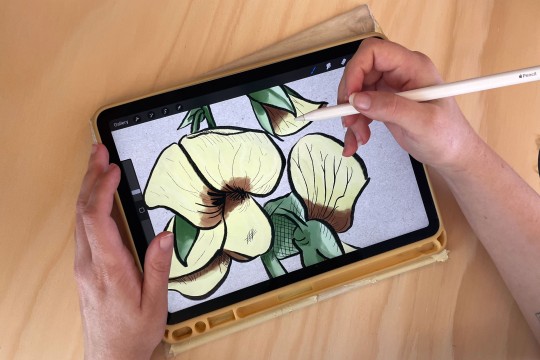
The iPad 11 Pros from The Edge offer versatile tools for creative pursuits such as tablet-based drawing, design, 3D scanning, photogrammetry, and audio-video applications. State Library members can access a variety of make and design programs on these iPads, along with provided Apple Pencils.
Resources:
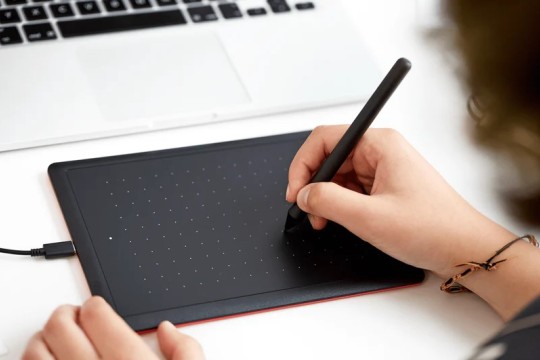
Wacom One by Wacom (Medium)
The Edge has three One by Wacom tablets available for creative use within the building available to use with your own laptop or one of The Edge computers.
Wacom tablets allow you to utilise precise pen control to create digital drawings and are compact and intuitive tablets offering integration with most creative software.
Equipment may only be borrowed by people with a State Library of Queensland membership with Queensland residency status who have completed a General induction at The Edge.
Ensure the tablets are used within The Edge building only.
Resources: