Students
Finding what you want
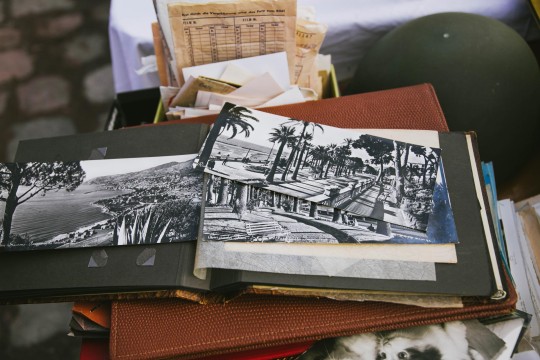
Use OneSearch to find books, magazines, maps, music, videos, images, heritage materials and newspapers. View them online or request them using your membership card or your QPL (Queensland Public Libraries) account.
History
English
Art and design
- Australian Library of Art
- Artists' books
- Student kit
- Art databases
- Asia Pacific Design Library
- Design Minds
Music
Science and technology
Legal studies
Meeting and studying at the State Library
Book study rooms for free using your e-services card. The floor plans will help you locate your room.
Free public computers are available on levels 1 to 4.
Wireless is available throughout the State Library. No login is required.
Getting help with assignments
Referencing
Quick©ite - examples of referencing and citations.
Quick©ite iTunes app - scan the barcode of a book and a citation is sent to you
i-Cite APA iTunes app - punctuates and formats citations in APA style which you can store on the app or email to yourself.
i-Cite APA Android app - punctuates and formats citations in APA style which you can store on the app or email to yourself.
Evaluating internet resources
Internet resource evaluation from the University of Queensland will help you evaluate resources you find on the internet.
Staying safe online
Stay Smart Online and Cyber Smart will give you tips on using social networking sites safely, dealing with cyber bullying and online grooming and securing your mobile phone.